
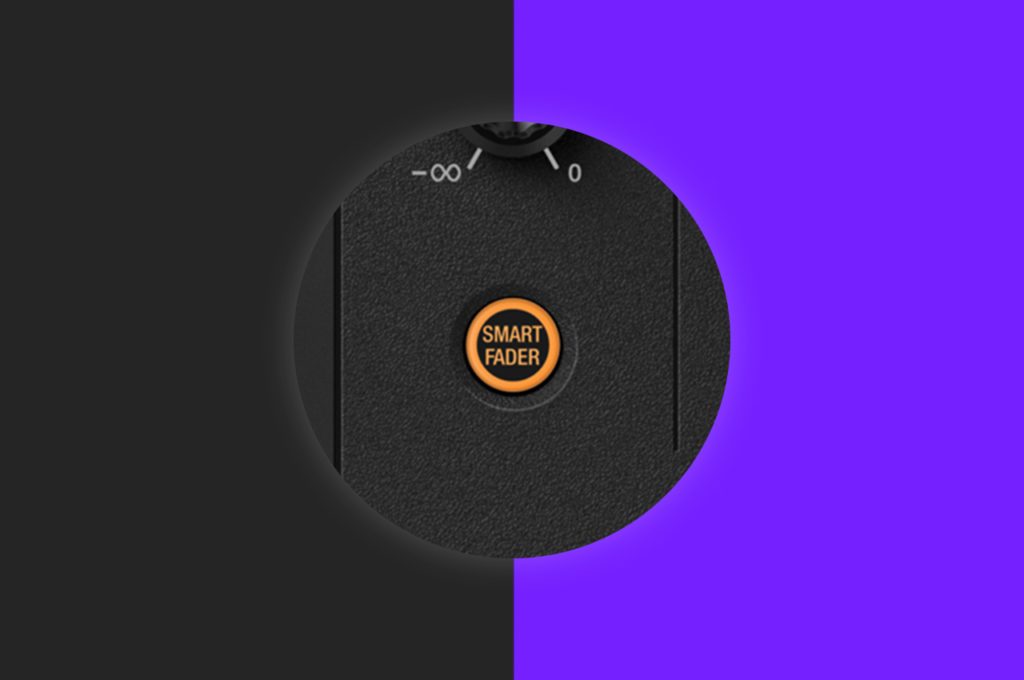
With the introduction of the new Pioneer DJ DDJ-FLX4 came the latest in automated DJ technology. Smart fader allows DJs to easily mix between genres that have a large gap between their BPM’s. Using the feature synchronises the songs together and then slowly moves the BPM’s during the transition so you end up at the new song’s original BPM all whilst applying some neat echo effect at the end of the transition.
This is a very powerful tool, but like anything automated in DJ software, it needs a bit of practice to understand how to nail the transition so it sounds clean. The button can’t quite do everything.
In this tutorial, we demonstrate how to use the Smart Fader to mix music with wide BPM values. If you enjoy this tutorial then check out our Beginner Rekordbox Course. This course is applicable to the DDJ-FLX4 as well as any other rekordbox-ready DJ controller.
Smart Fader Tutorial
Learn How To DJ With The Pioneer DDJ-FLX4
If you’ve found this tutorial useful, our dedicated FLX4 courses can help you master this awesome device!
The FLX4 Beginner Course is perfect for getting up and running and learning all you need to know to mix confidently.
The FLX4 Pro Course kicks things up a notch and walks you through more advanced features so you can sound like a pro mixing on flagship club gear!
Grab both courses for a 20% discount!
Or get them at no cost as a lifetime Crossfader member with our Complete DJ Package, which guarantees you DJ success!
4.75 hours 28 lessons Beginner 5.5 hours 37 lessons Beginner 7.5 hours 49 lessons Intermediate 7 hours 30 lessons Beginner 7 hours 41 lessons Beginner 835 hours 1300+ lessons Creative 9.5 hours 49 lessons Intermediate 16.5 hours 90 lessons Beginner
Pioneer DJ-200 DJ Course
Rekordbox DJ Course
Rekordbox DJ Course
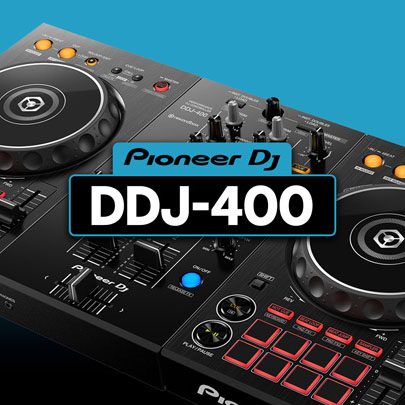
Pioneer DDJ-400 DJ Course
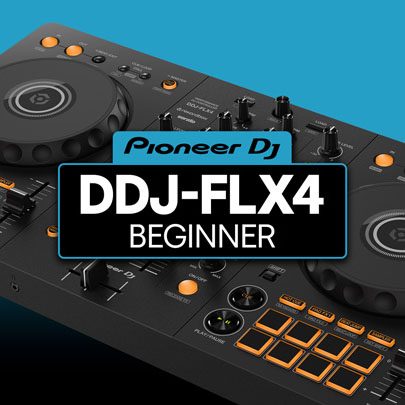
Pioneer DJ DDJ-FLX4 Course
Complete DJ Package
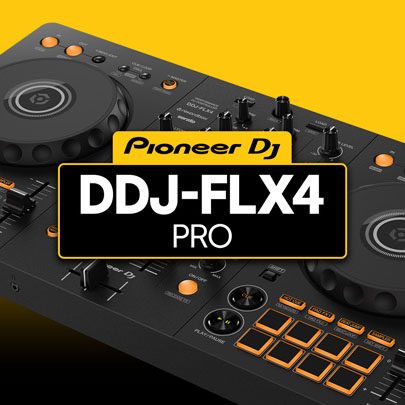
Pioneer DJ DDJ-FLX4 Pro Course
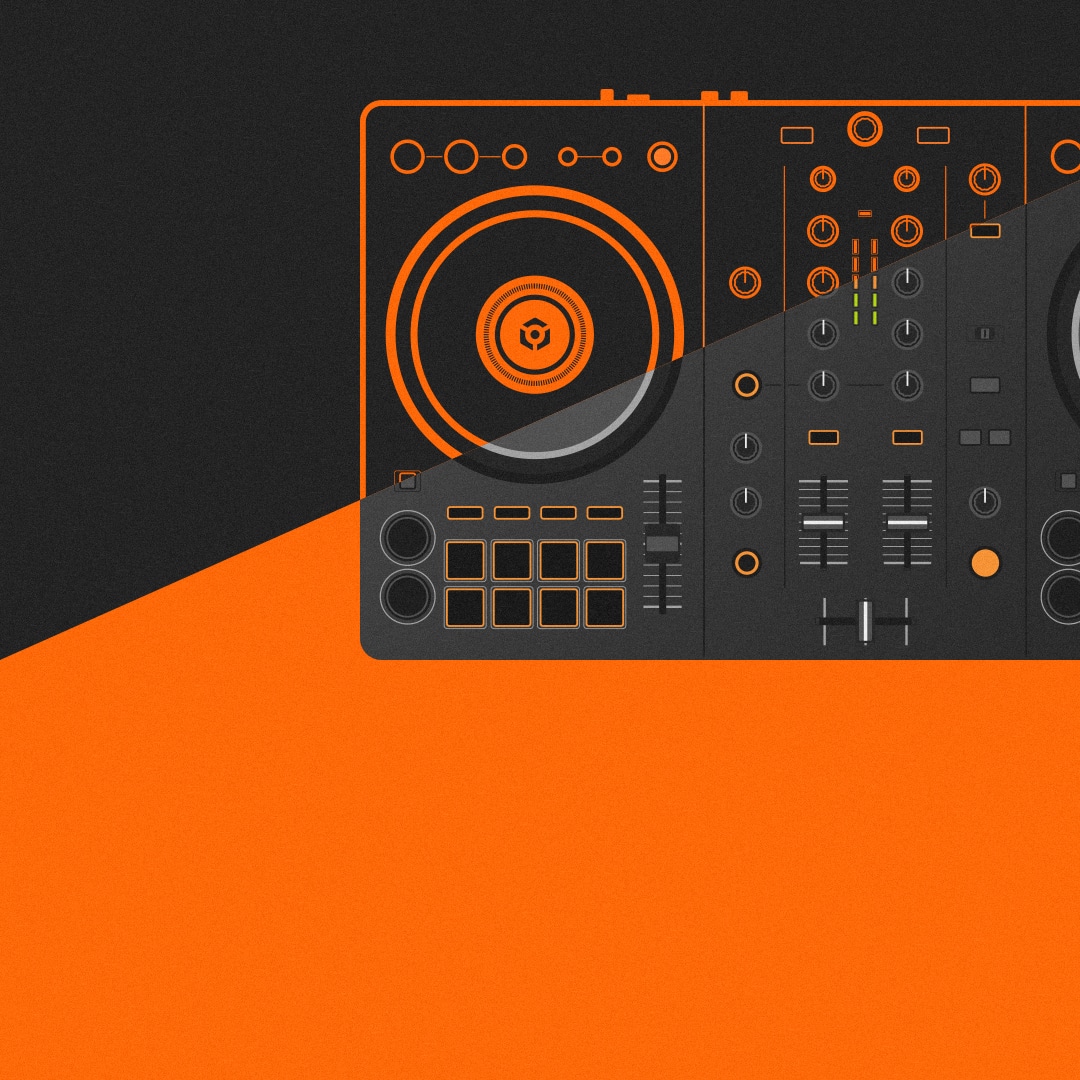
DDJ FLX4 Beginner To Pro Bundle
I utilize the Pioneer Dj DDJ REV5 which course would best be suitable for my equipment ?
Our Serato beginner course would be a good place to start as that’s the software the REV5 is designed to work with.
Amazing
I work with SERATO DJ Lite, would it be an issue if I sign up to this course?
Not a problem, Serato DJ Lite will work just fine for this course.